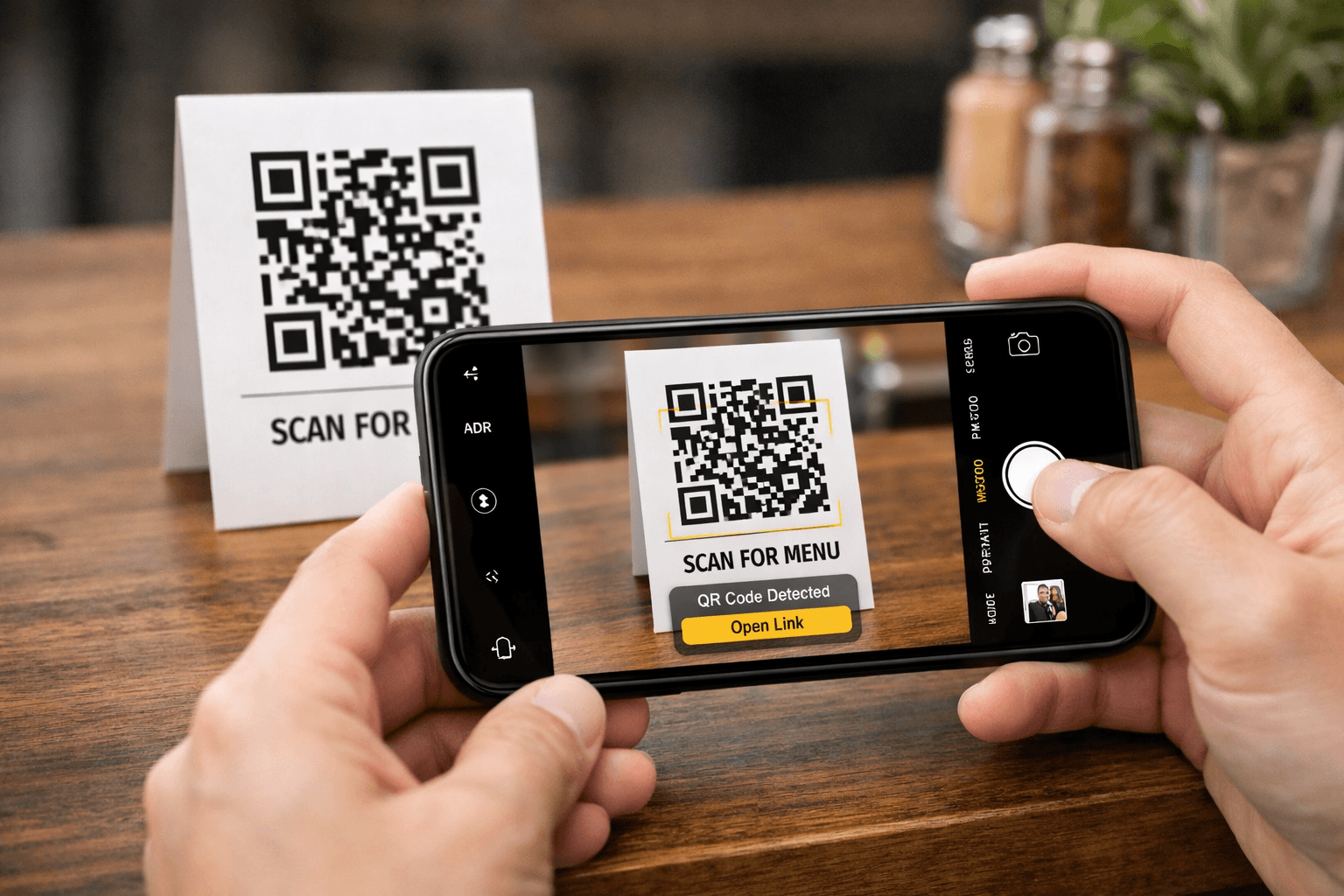
What a great QR menu should include
The goal is clarity and speed. Customers should be able to scan, browse, and decide quickly without zooming or hunting for information.
These elements make QR menus work especially well for cafes, bars, and restaurants with changing items and seasonal specials.
- Clear categories (coffee, pastries, cocktails, mains, specials)
- Prices that are easy to scan (no clutter)
- Short descriptions for signature items
- Allergen notes when relevant
- Featured items / specials section (seasonal, happy hour, chef’s picks)
- Optional: socials, reviews, contact, opening hours
- Optional: multi-language support for mixed audiences and tourist areas
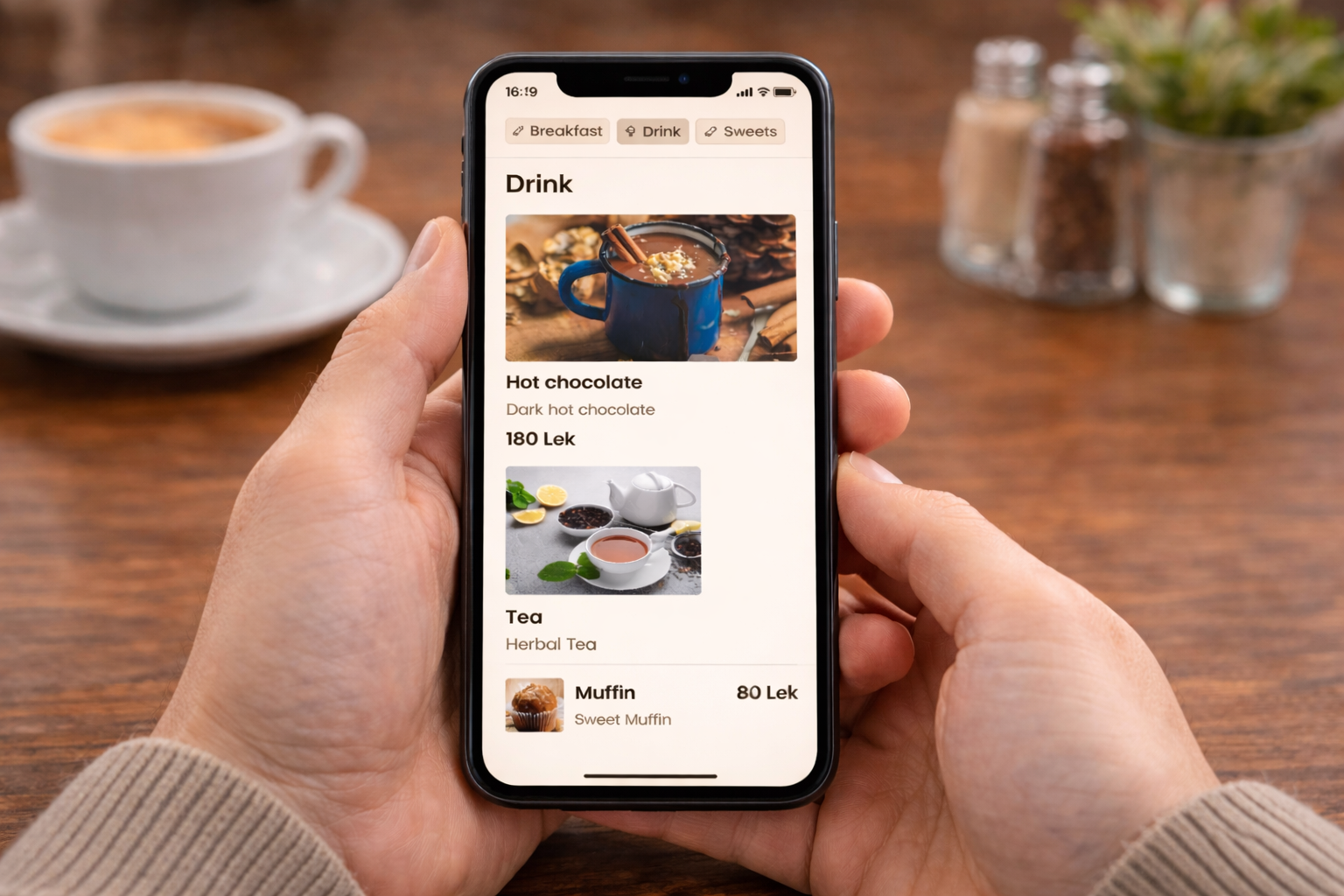
A clean layout helps customers decide faster and reduces basic questions to staff.
Most QR menus fail for the same reasons: they’re slow, hard to read, or not designed for mobile. Avoid these and your menu instantly feels more premium.
- Uploading a PDF that requires zooming and scrolling
- Tiny text and low contrast
- Heavy images that slow the menu down
- No structure or everything in one long list
- No structure (everything in one long list)
- Not updating the menu, so customers see unavailable items
QR menu done right
- •Loads fast on mobile
- •Clear categories and hierarchy
- •Easy to update anytime
- •Aligned with your brand
- •Supports specials and featured items
QR menu done wrong
- •PDF or slow page
- •Hard to scan, hard to read
- •Outdated items and prices
- •Generic look and feel
- •Customers ask staff for basic info
See our QR Menu app in action
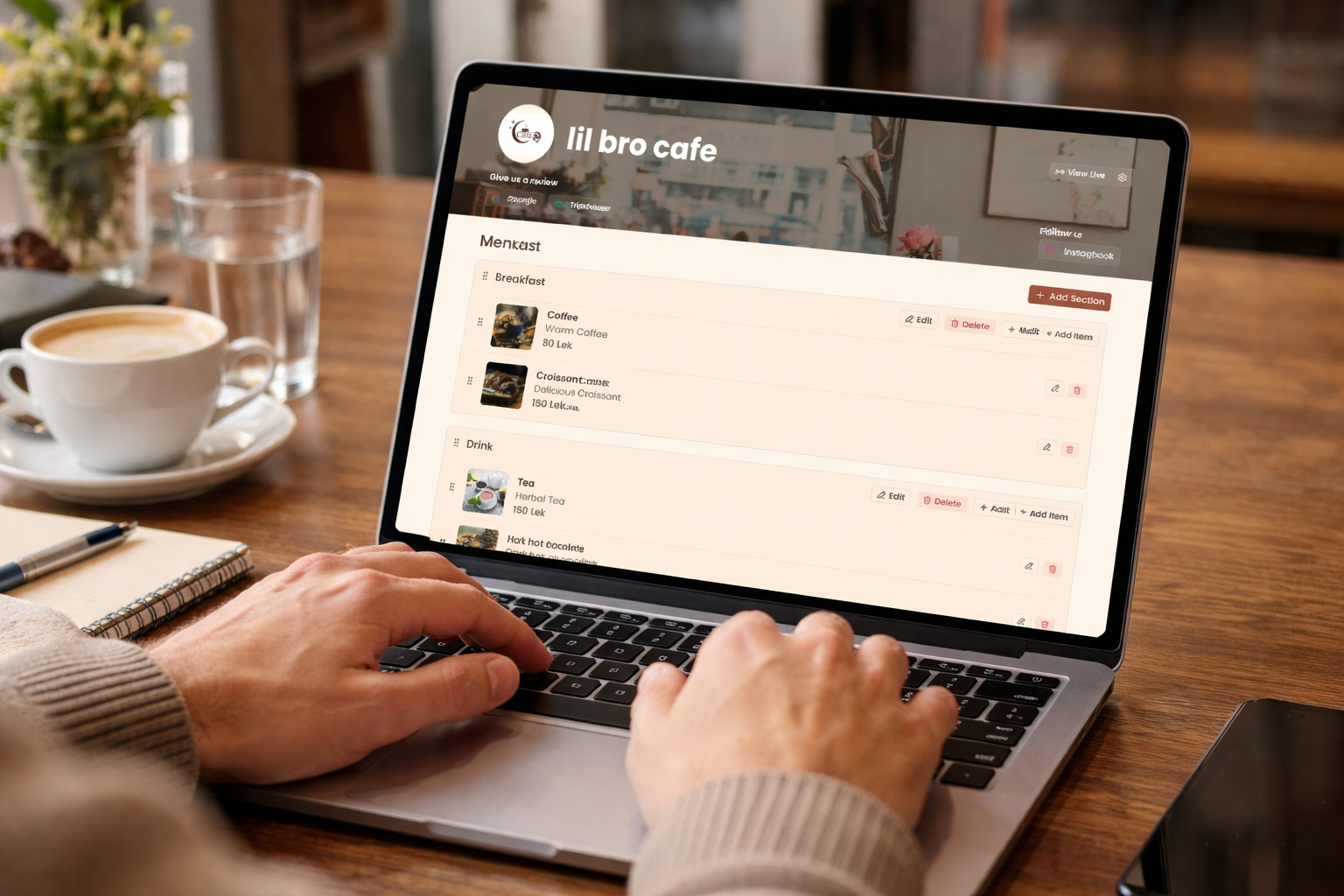
If you want a QR menu that stays updated without reprinting, you need two things: a fast customer-facing menu and a simple way for staff to update items quickly.
That’s why we built the Core Point Menu app a mobile-first digital menu experience with an admin flow for updates, so you can change prices, hide unavailable items, and update specials without redesigning or printing again.
You can see the solution here: Core Point QR Menu and if you want, we can tailor it to match your venue’s brand and menu structure.
- Update menu items and prices without reprinting
- Organize categories (food, drinks, cocktails, desserts, etc.)
- Feature specials (happy hour, seasonal items, chef’s picks)
- Add item descriptions
- Mobile-first layout
- Lightning fast responsiveness
- Brand styling so it matches your venue