What AI automation actually means?
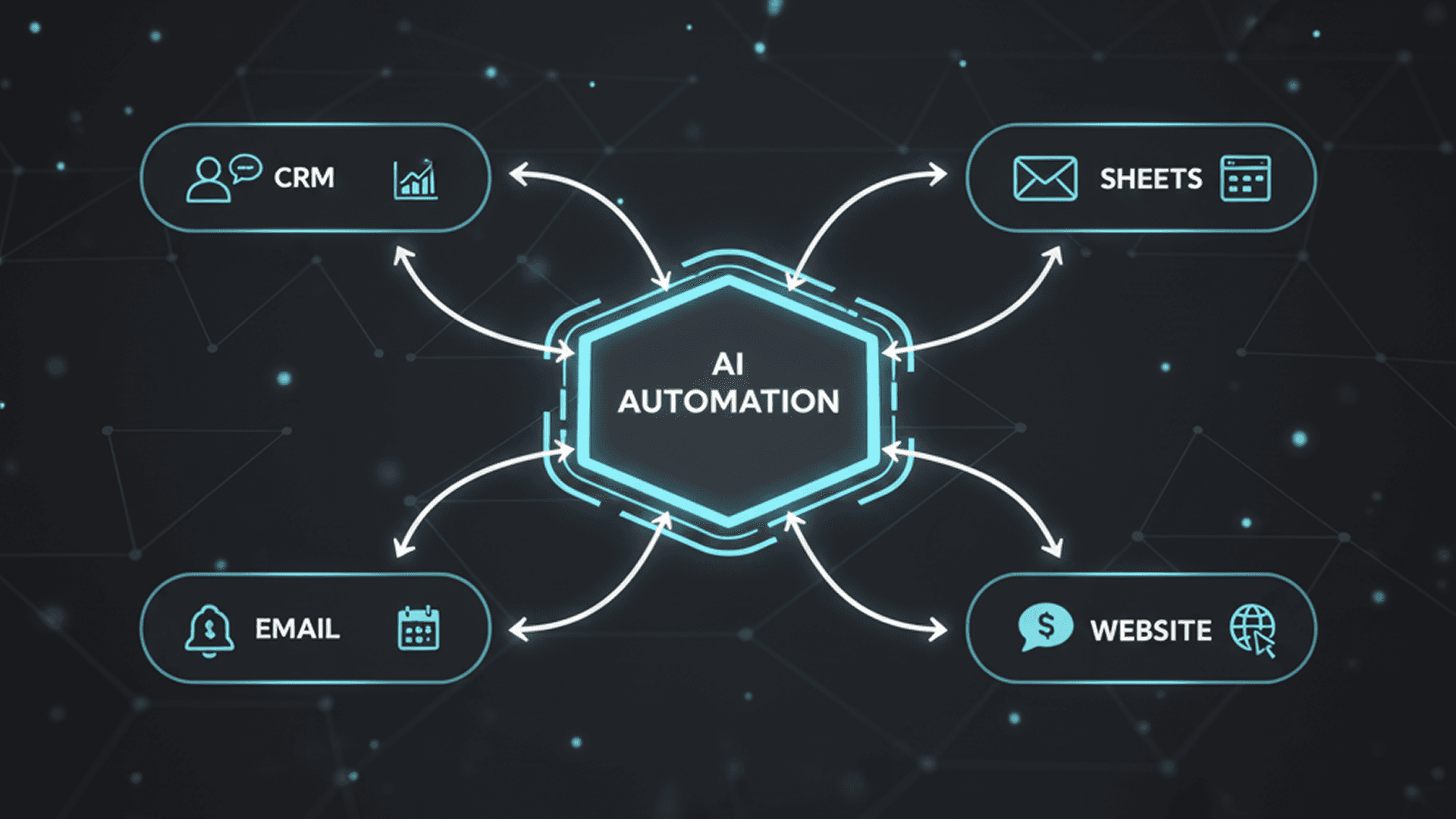
In practice, automation is about connecting tools so information moves automatically. AI adds value when the input is messy, for example text messages, emails, or notes and you need summarizing, categorizing, extracting, or drafting.
Not everything needs AI. Plenty of the best workflows are simple triggers and rules. The goal is less manual work, not more complexity.
12 automation workflows worth implementing
These workflows are common across agencies, e-commerce, local businesses, and service teams. They’re designed to be reliable and easy to monitor.
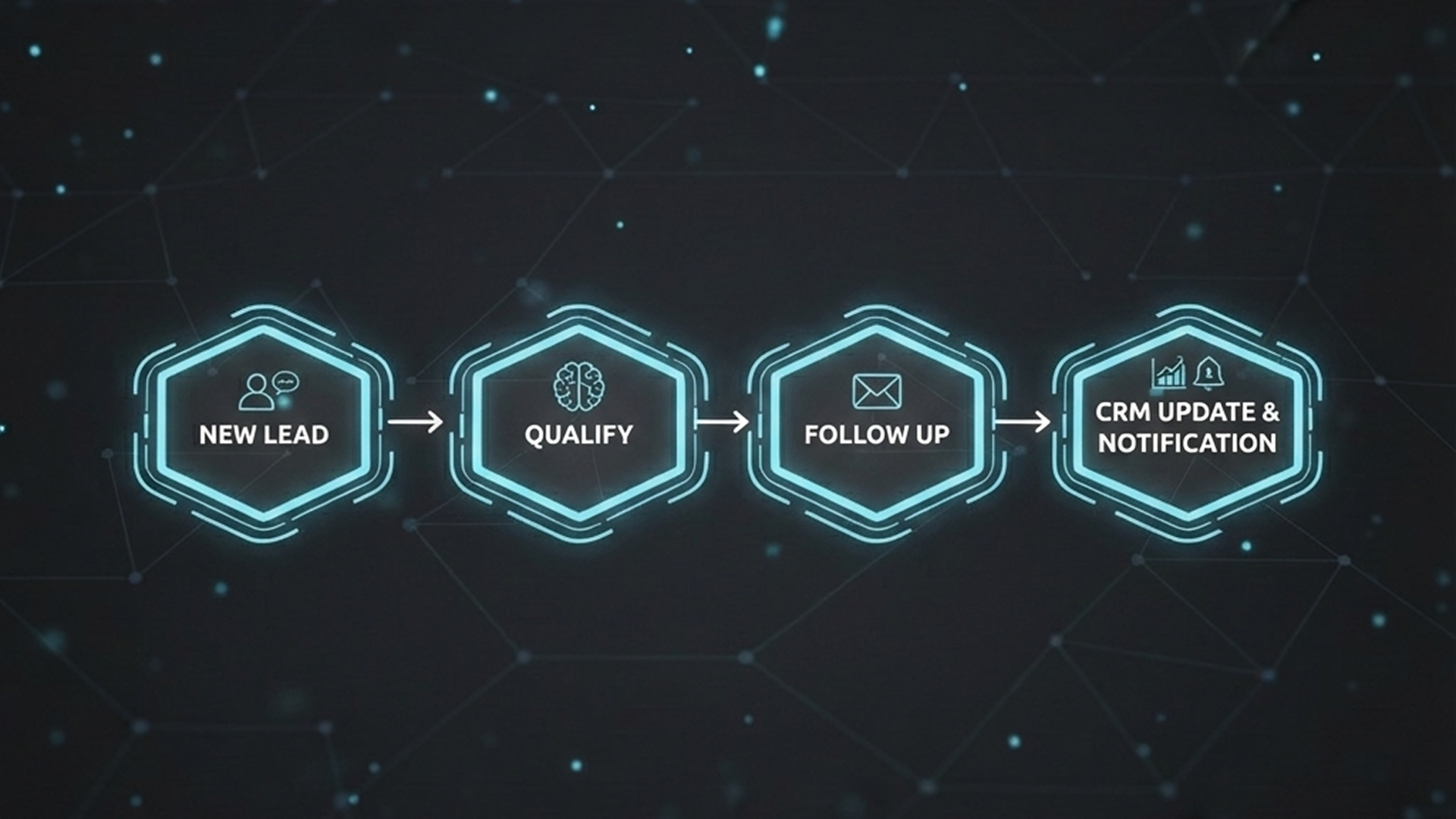
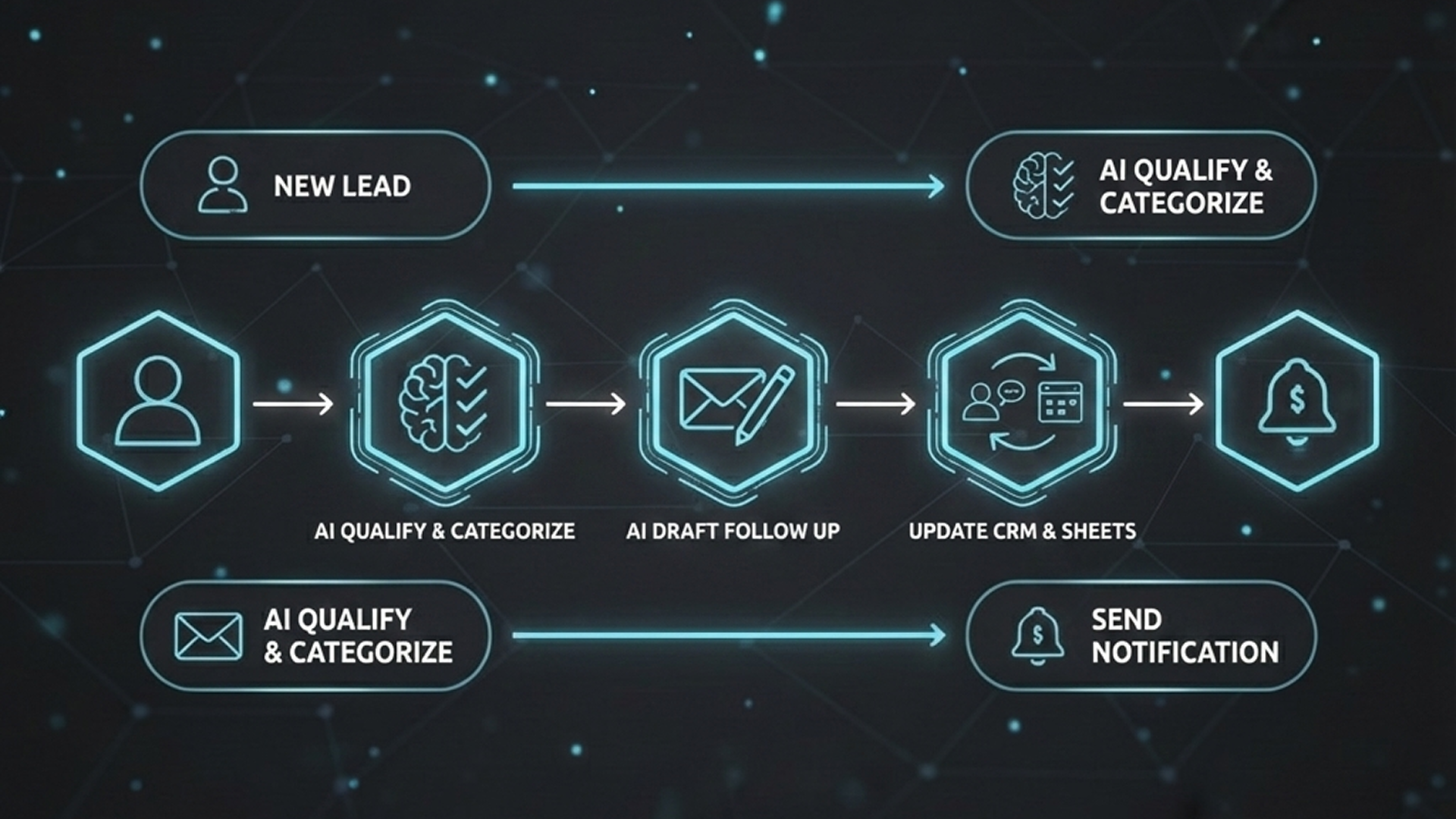
- Lead follow-up: new inquiry → instant acknowledgment → task created → reminder if no reply
- Lead follow-up: new inquiry → instant acknowledgment → task created → reminder if no reply
- Booking confirmation: calendar booking → confirmation message → internal notification
- Proposal helper: discovery notes → AI summary → proposal outline draft for review
- Support replies: FAQs → AI draft response → human approval for edge cases
- Order updates: order events → automatic customer updates + internal alerts
- Review request: after delivery → review link → follow-up if no response
- Weekly reporting: metrics → auto summary → delivered to email/Slack
- Data extraction: emails/PDFs → extract fields → update CRM/spreadsheet
- Missed messages: no reply after X hours → escalation notification
- Content repurposing: long notes → short summaries (human-reviewed)
- Tool sync: CRM ↔ forms ↔ email marketing ↔ analytics consistency
Good places to use AI
- •Summarize customer messages and calls
- •Classify inquiries and route them
- •Extract info from emails/PDFs
- •Draft responses and documents for review
- •Turn notes into structured updates
Use rules or human checks
- •Pricing decisions without validation
- •Legal or compliance commitments
- •Automations that can send wrong info publicly
- •Payments or refunds without safeguards
- •Anything where errors are expensive
Quick checklist before you automate anything
- Quick checklist before you automate anything
- Identify where data lives (forms, CRM, email, spreadsheets)
- Define success (faster response, fewer errors, less time spent)
- Define success (faster response, fewer errors, less time spent)
- Add monitoring (logs, alerts, visibility)
- Iterate after launch based on real usage