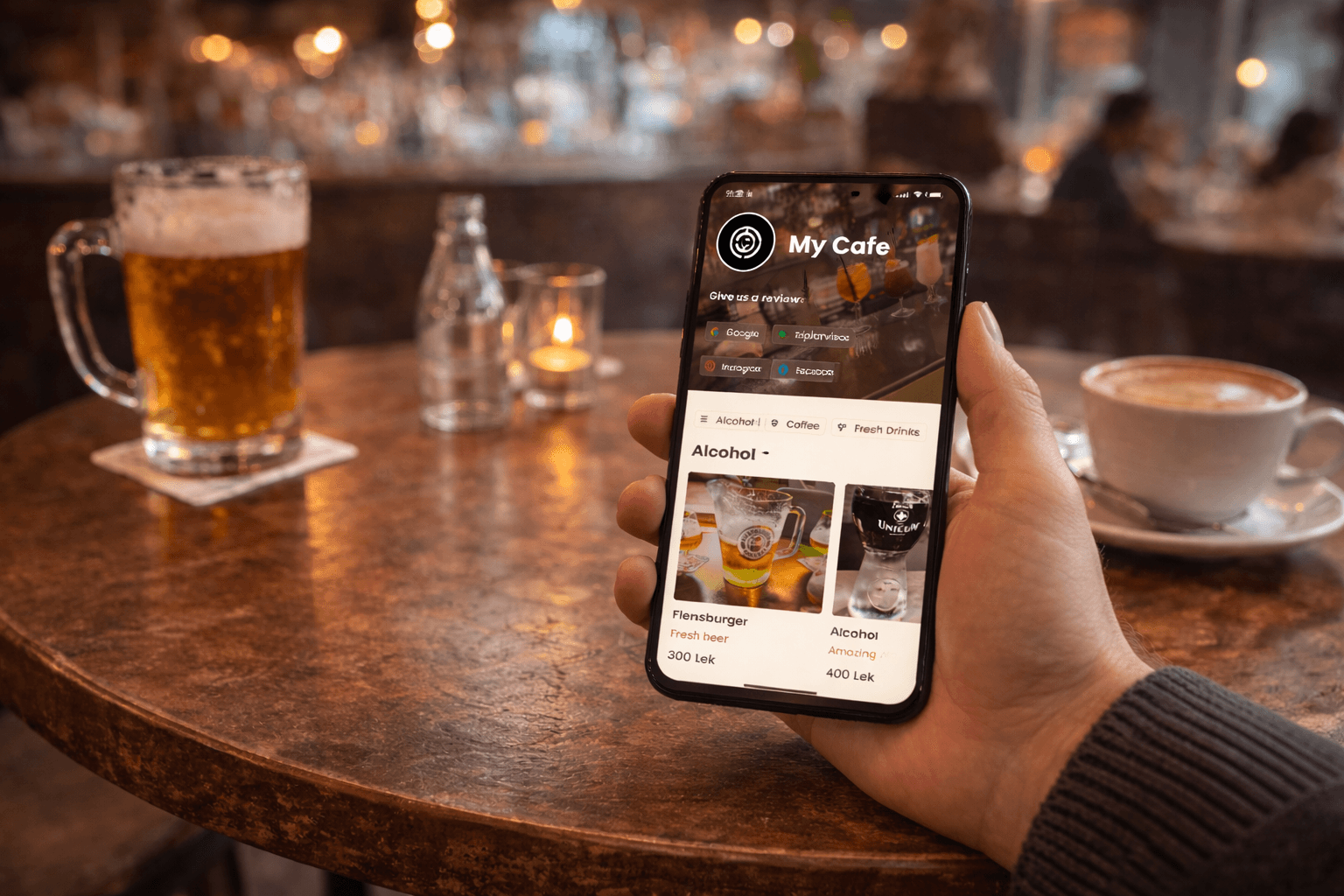
What is a QR code menu app and how is it different from a PDF?
A QR code menu is simply a QR code that opens a link. What matters is what that link opens: a PDF, a simple template page, or a menu designed specifically for mobile browsing.
For cafes, bars, and restaurants, the best QR menu app is the one that loads fast, looks clean, and makes updates easy—without reprinting menus every time something changes.
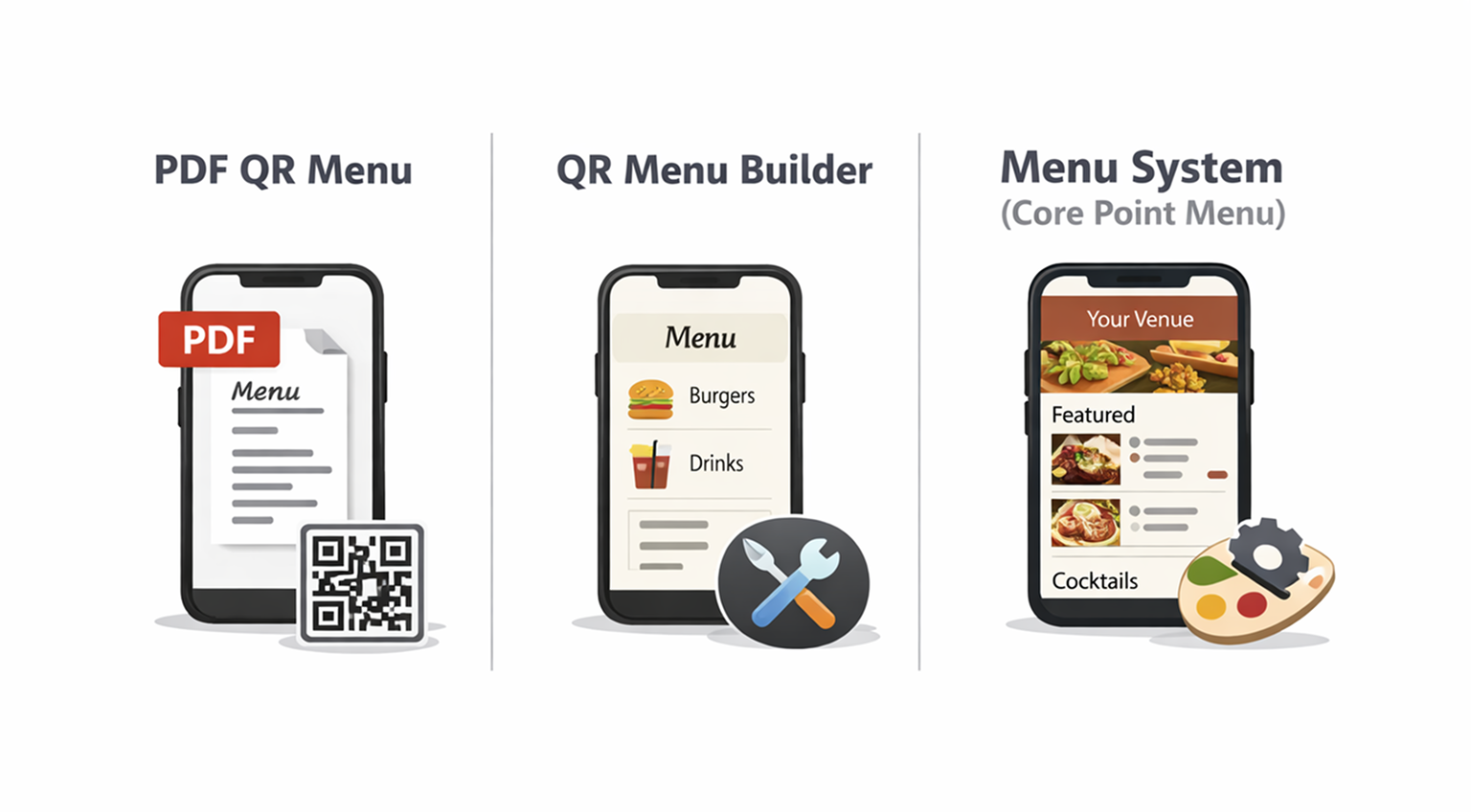
- PDF QR menu: scan → open PDF → zoom or scroll
- Basic menu builder: scan → open a template menu page
- Menu system: scan → open a mobile-first menu built for browsing with constant updates
The criteria that actually matter in a busy venue
Customers scan the menu when they’re ready to decide. That means the menu has to be readable, fast, and structured... especially on mobile data.
On the business side, you need updates to be simple: add sections, change prices, update items, and keep the menu looking consistent. For most venues, a restaurant QR code menu works best when it’s structured by sections, easy to update, and optimized for mobile browsing.
- Menu loads fast on mobile (no waiting, no heavy PDFs)
- Clear structure: sections (e.g., Coffee, Cocktails, Desserts) and items
- Branding: logo, banner, colors
- Easy links to reviews and socials
- Layout flexibility: different menu layouts depending on your venue style
- Customers can scan and instantly view the public menu
Core Point Menu
- •Add sections and items easily with a clear structure for customers
- •Add review and social links for easy access
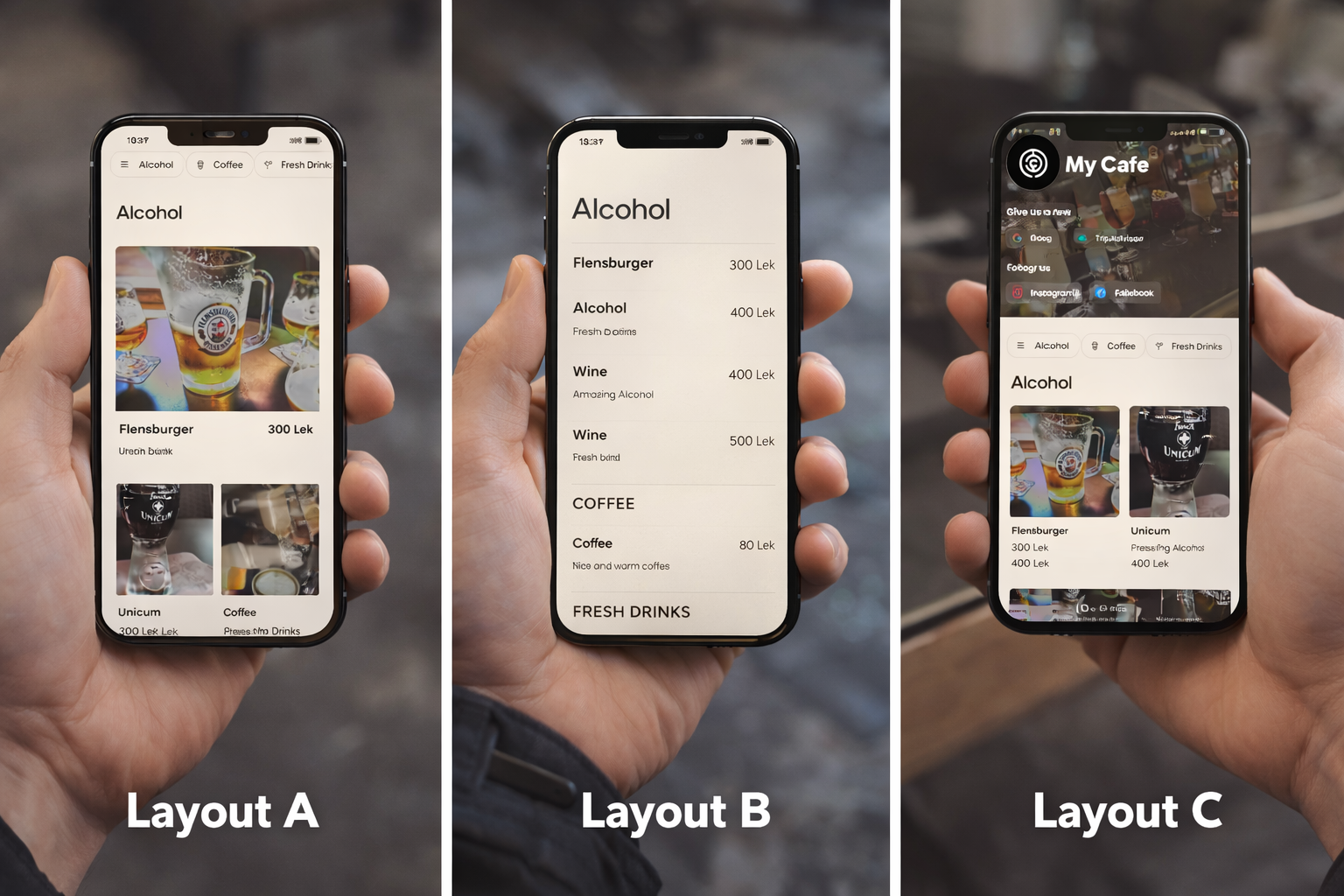
- •Menu customization: 3 different menu layouts
- •Brand customization: logo, branding and color pickers
- •QR scan opens a clean public view built for mobile browsing
Common alternatives (PDF or basic builders)
- •PDFs often require zooming and feel slow on phones
- •Updates mean re-exporting and re-uploading files
- •Branding is limited or looks generic
- •Layout options are often fixed
- •Menus can feel like “just a link,” not a real experience
Core Point Menu vs PDF menus
PDF menus are common because they’re easy to make. But they’re usually the worst experience on a phone: customers zoom in, scroll around, and lose context.
PDFs also don’t handle frequent updates well. If you change prices, add seasonal items, or run specials, the “upload a new PDF” workflow becomes annoying quickly.
Core Point Menu vs generic QR menu builders
Basic QR menu builders can work if you want something quick and you don’t care much about customization.
The limitation is that many builder menus look similar. If you want your menu to match your venue’s brand, colors, feel, then layout choices and brand controls become a big deal.
What “customization” actually means and why it matters
Customization isn’t about making things flashy. It’s about making the menu feel like it belongs to your venue and stays consistent with your brand.
If your goal is an online menu with QR code that matches your brand, layout and color controls matter more than people expect.
With Core Point Menu, you can choose between multiple layouts and set brand colors. Also, you can add a logo and banner, so the menu feels intentional, not generic.
See Core Point Menu in action
If you want to see the public menu experience, you can check it here: Core Point Menu.
The public view is what customers see after scanning the QR code. It’s designed to be fast, clean, and easy to browse.
Who this is best for
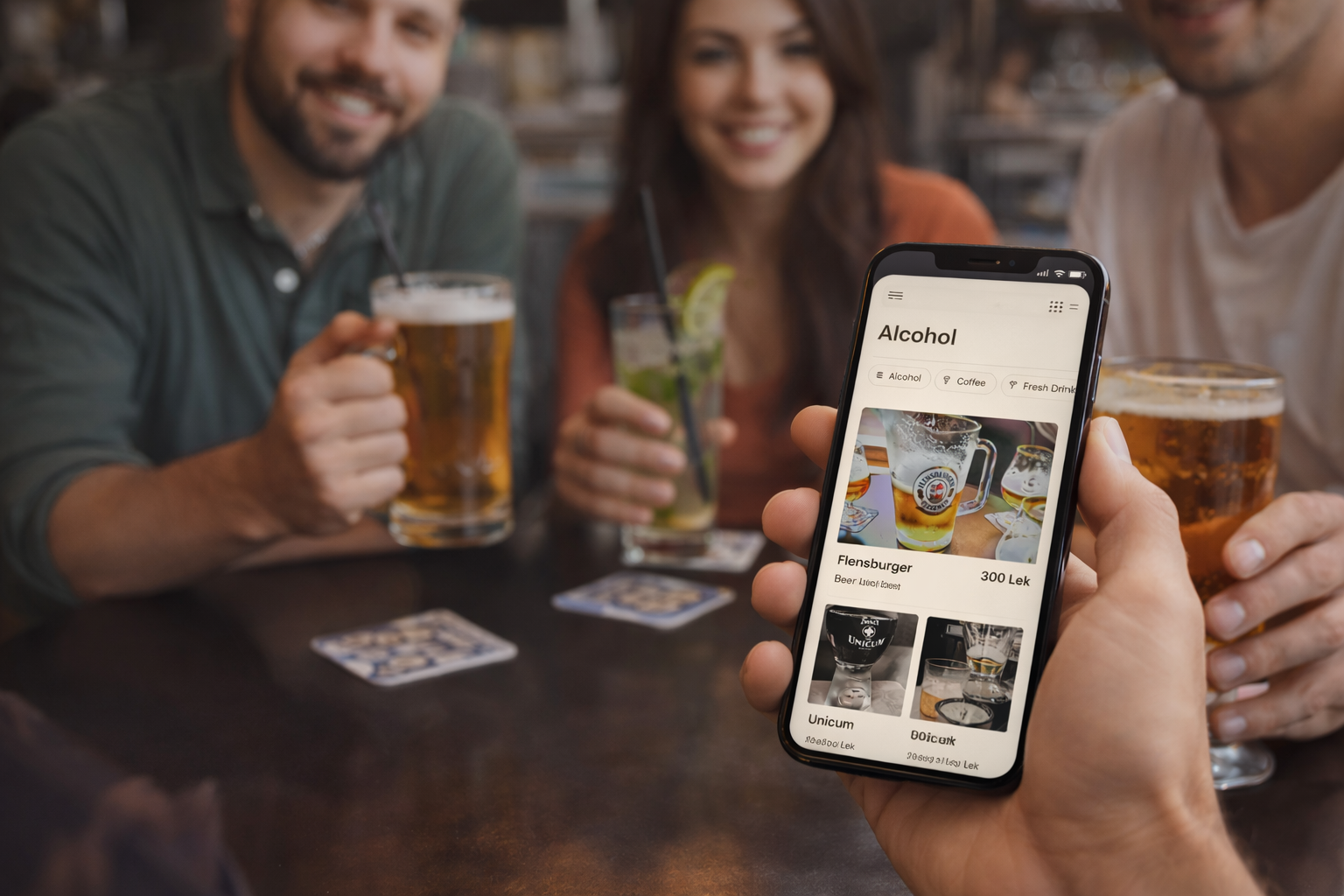
Core Point Menu is best for venues that update items, prices, or specials often, and want the menu to look premium on mobile.
If your menu rarely changes and you don’t mind a basic experience, a PDF might be “good enough.” But for most cafes and bars, menus evolve constantly, and a real menu system saves time and looks better.
- Cafes with seasonal drinks and rotating items
- Bars with cocktails, happy hour, and featured specials
- Restaurants that update pricing or availability often
- Venues that want a premium, brand-matched menu experience
- Places that want reviews and social links directly from the menu
"The best QR menu is the one customers can scan and understand instantly, without zooming, waiting, or asking staff."
— Core Point Team


